

TTPs
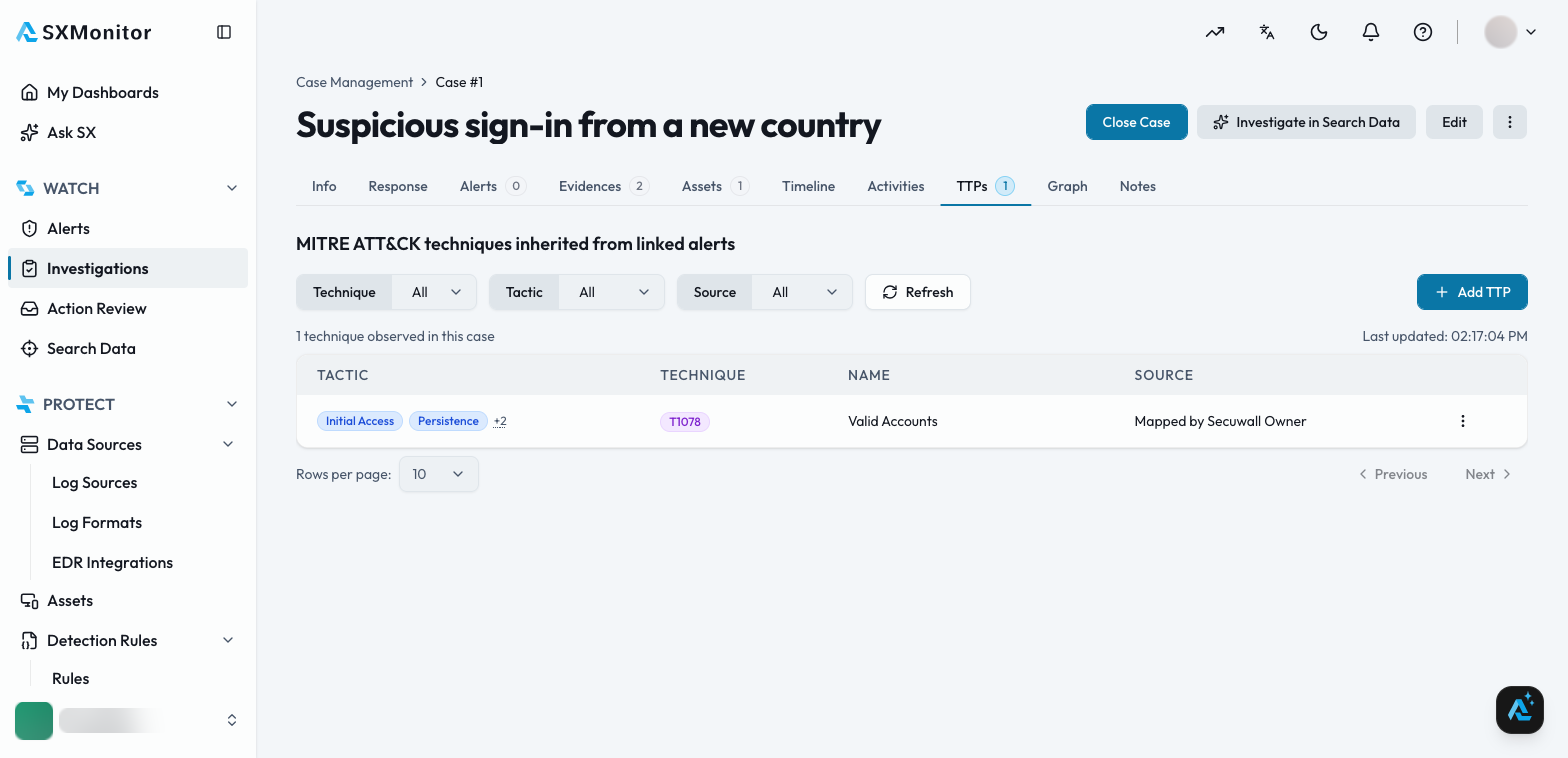
The TTPs tab of a case — the MITRE ATT&CK techniques of the incident, from its alerts or added by hand.
The TTPs tab lists the MITRE ATT&CK techniques of the incident. To open it, open a case from Watch › Investigations and click TTPs. The rest of the case page is described in Inside a case.
Techniques from linked alerts are added for you; their Source names the alert. Narrow the list with the Technique, Tactic and Source filters.
Add a technique
Click Add TTP, search by ID or name (for example T1078) and click the
technique.
Technique details
Click a technique to open Technique Detail: its ID, name, tactics and source, and when it was mapped. Remove a technique there, or with ⋮ at the end of its row.
Next
- See how the case's alerts, assets and observables connect in Graph.