

Alerts
The Alerts tab of a case — the alerts behind the incident, and how to unlink them.
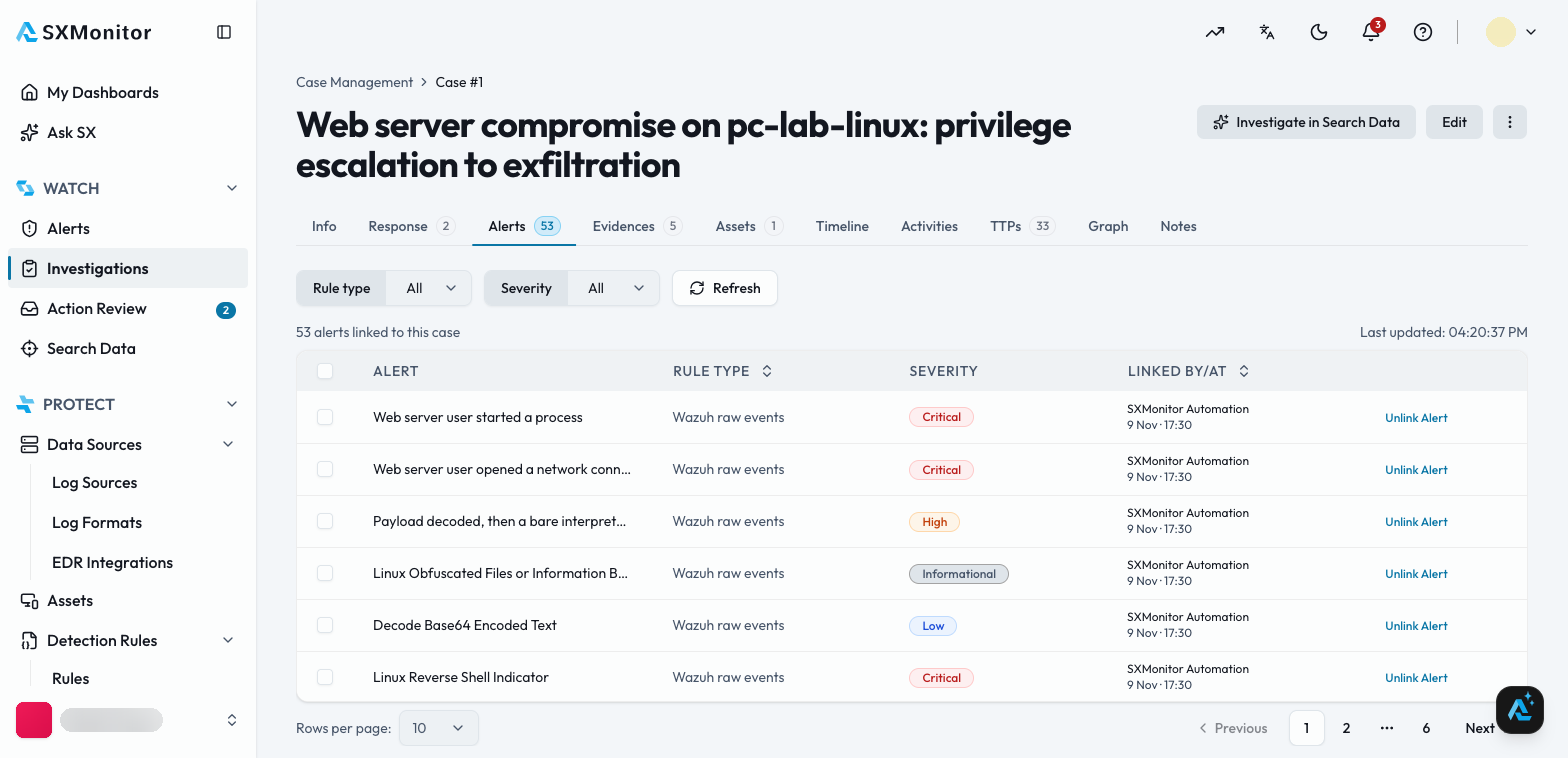
The Alerts tab of a case lists the alerts behind the incident; the number on the tab is how many are linked. To open it, open a case from Watch › Investigations and click Alerts. The rest of the case page is described in Inside a case.
The tab shows each alert's Rule type, Severity, and who linked it and when (Linked by/at). Narrow the list with the Rule type and Severity filters. Click an alert to open its detail panel — the same panel as on the Alerts page.
Link and unlink alerts
You link alerts to a case from the Alerts page with Merge To Case — see Attach and detach alerts. To unlink them, click Unlink Alert on a row, or tick several alerts and click Unlink Alerts (up to 200 at a time). Pick the Alert status after unlinking and confirm. The alerts themselves are not deleted.
A customer view does not show this tab — see What customers see.